 MenuVitrine
Your menu, always up to date.
One QR code.
MenuVitrine pulls your live Toast menu — photos, descriptions, prices — and publishes a beautiful, mobile-first page your guests reach by scanning a QR code at the table.
Unlike generic QR-menu makers, MenuVitrine reads live from Toast POS — change a price or 86 an item on the register and it shows up automatically, without ever touching MenuVitrine.
14-day free trial · No card required to preview
Restaurant Demo
Starters
Mains
Desserts
Real restaurants, live right now
Live from ToastNot mockups — these are live menus, updating from Toast as you read this.
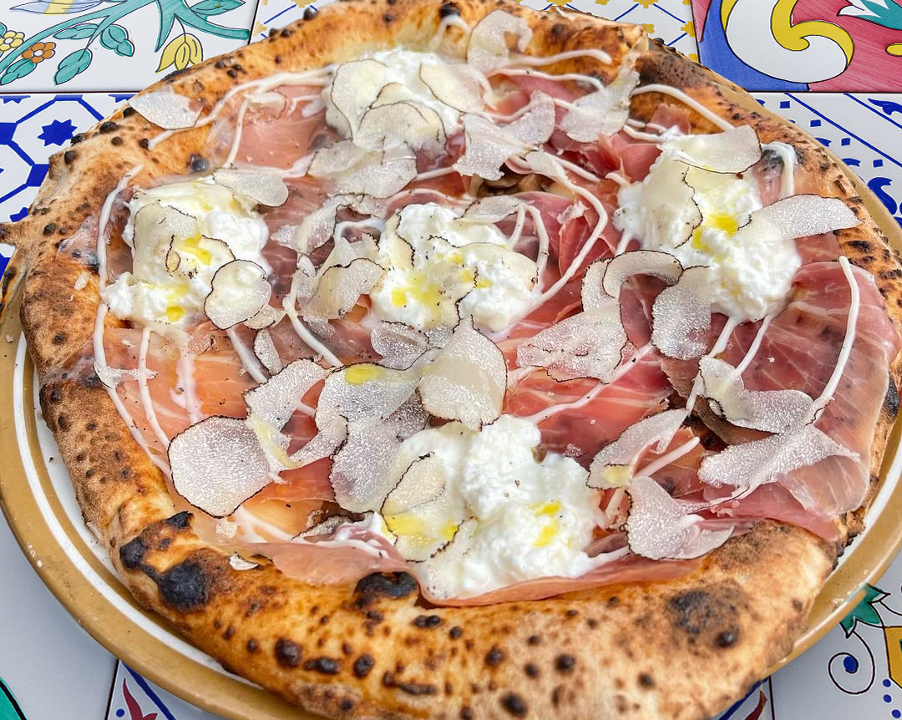

Song E Napule West Village
A full NYC pizzeria menu, synced live from Toast — sold-out badges, rotating specials, the works.
View live menuMore locations joining soon
How it works
Connect once
Add your Toast Standard API credentials and MenuVitrine pulls your menus automatically. It re-syncs every hour, hands-free.
Stays in sync
Change a price or photo in Toast and your QR menu updates itself — no manual edits, no reprinting cards. It's always current.
Made for phones
A clean, fast page that loads instantly from a QR scan, branded with your own colors and logo. No app, no download for guests.
Built for how restaurants actually run
Automatic sold-out badges
When an item is 86'd on the POS, it's marked sold out on your QR menu within the hour — no manual edits, no reprinting cards.
Time-based specials
Happy hour, weekend brunch, late-night — items appear and disappear on their own schedule, driven by the hours you set in Toast.
Multiple Toast menus
Run several menus in Toast? Choose which ones appear and control visibility per menu and section, all from your dashboard.
Ready to go live in minutes?
Connect Toast, pick your menus, and print your QR code. That's it.
Frequently asked questions
What happens after the trial?
After 14 days your menu goes offline until you subscribe. Subscribe for $25/month anytime to keep it live — cancel whenever, no lock-in.
Do I need my own website?
No. MenuVitrine hosts your menu on its own clean URL. Guests scan the QR code and land straight on it — no website, app, or domain needed.
What if I don't use Toast?
MenuVitrine is built specifically for restaurants on Toast POS. You can preview a demo anytime, but the live sync requires a Toast account.
Can I change how it looks?
Yes. Add your logo, set your brand color, choose which menus and sections show, and decide how sold-out items appear. Your menu reflects your restaurant, not a template.